Zoom - Installing Zoom Application (Android)
Issue:
I want to install the Zoom application on an Android device.
Solution:
Tap on the Google Play Store icon.

In Google Play, tap on Apps.
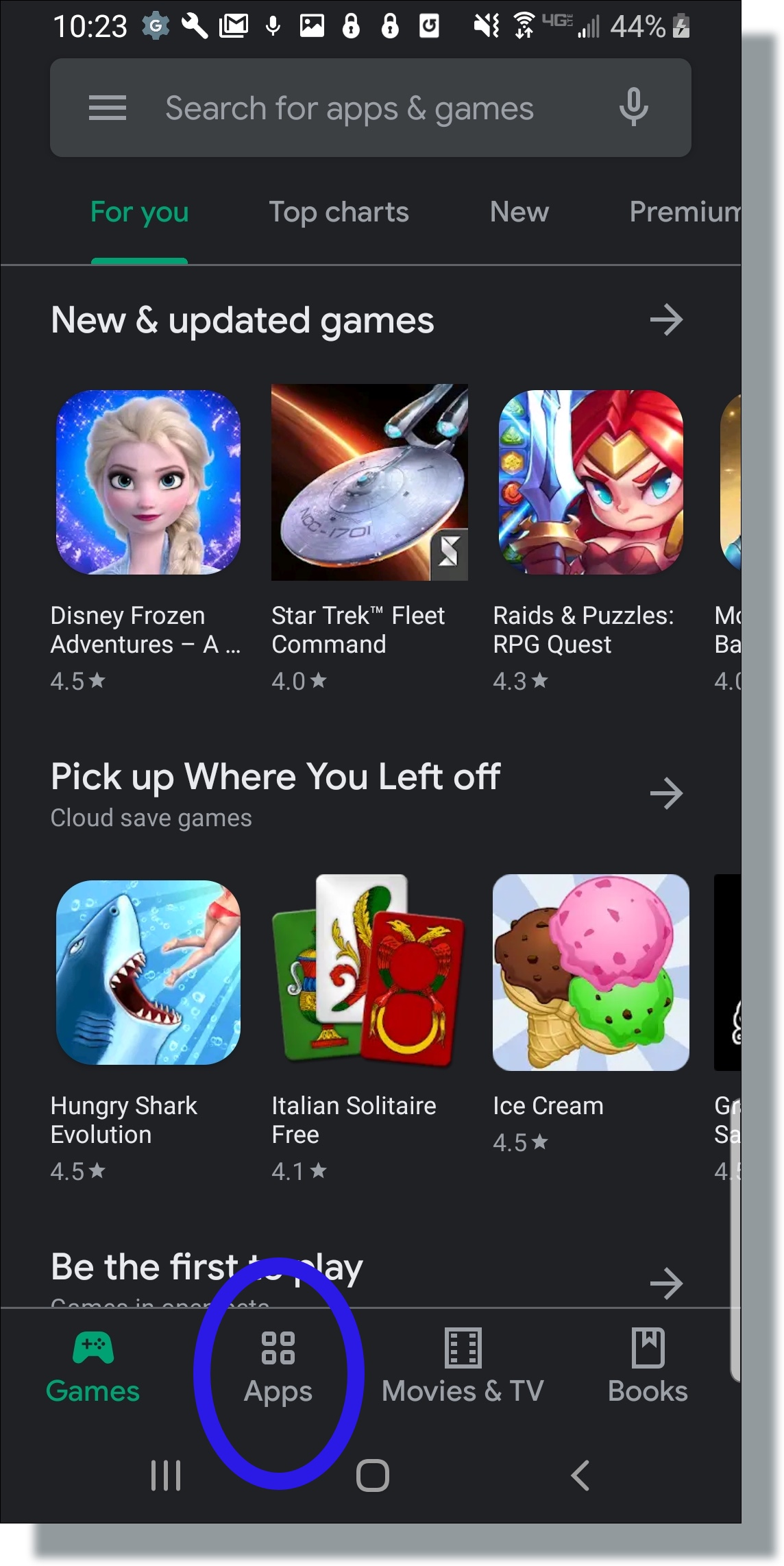
On the Play Store screen, tap on the Search icon (magnifying glass) located at the top right-hand side of the screen.
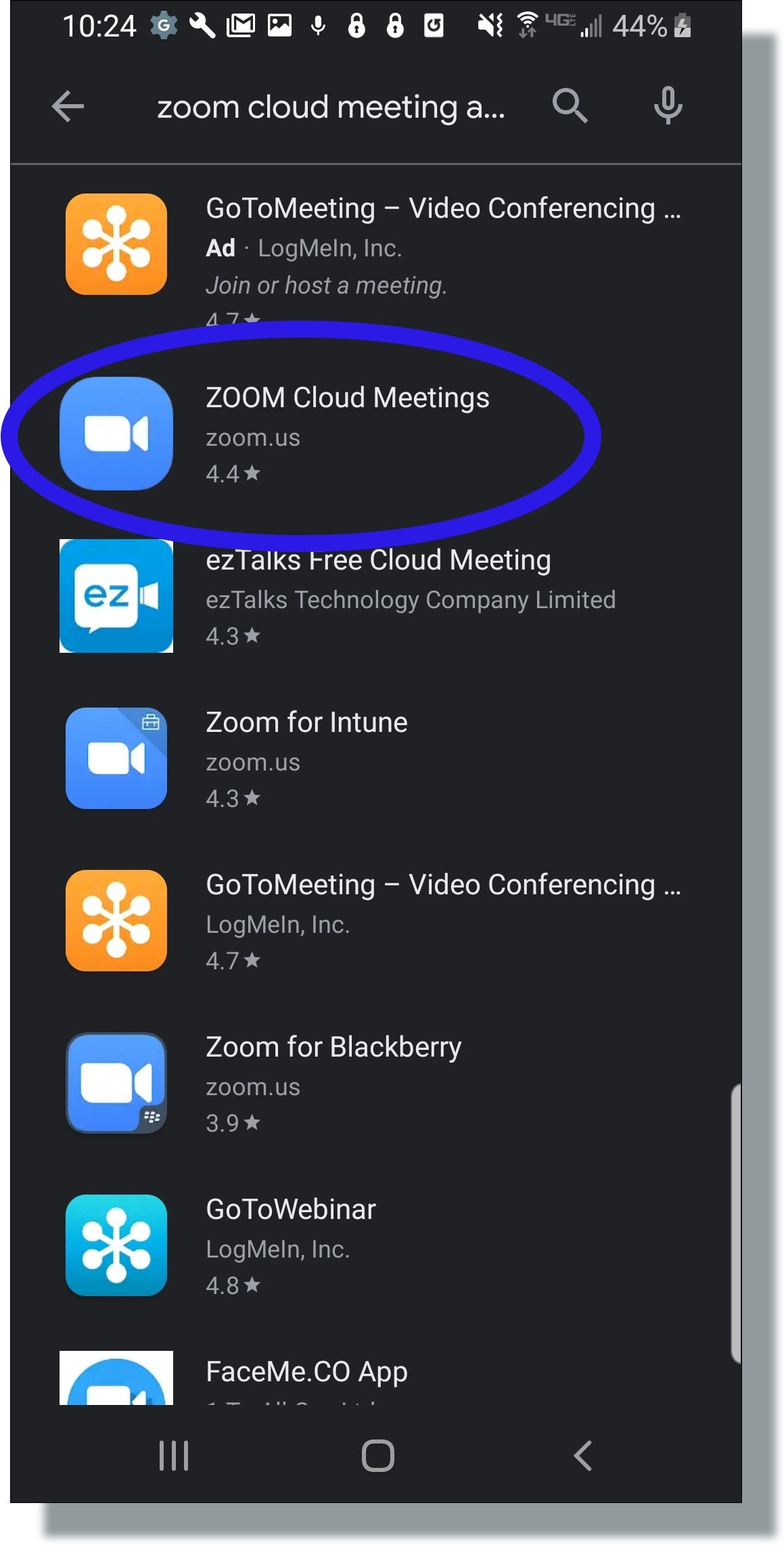
Enter zoom in the search text area, and then tap ZOOM Cloud Meetings from the search results.
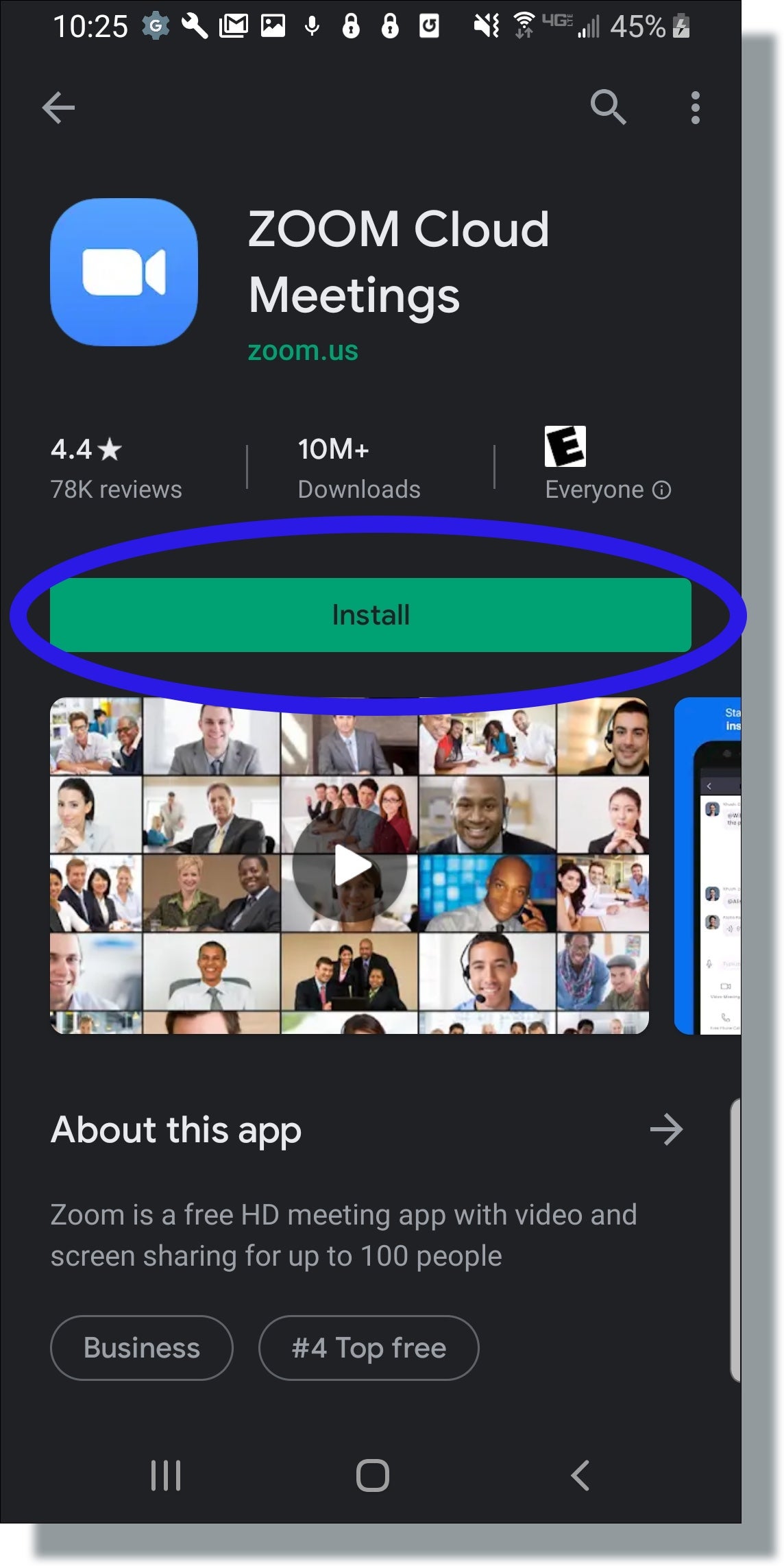
In the next screen, tap Install.
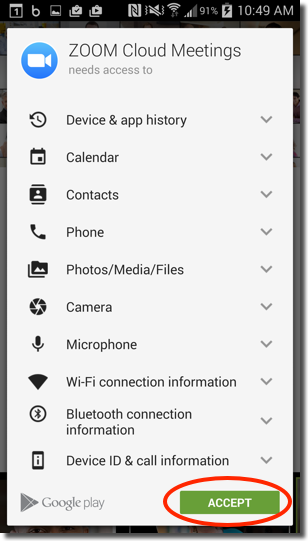
On the next screen, tap Accept.
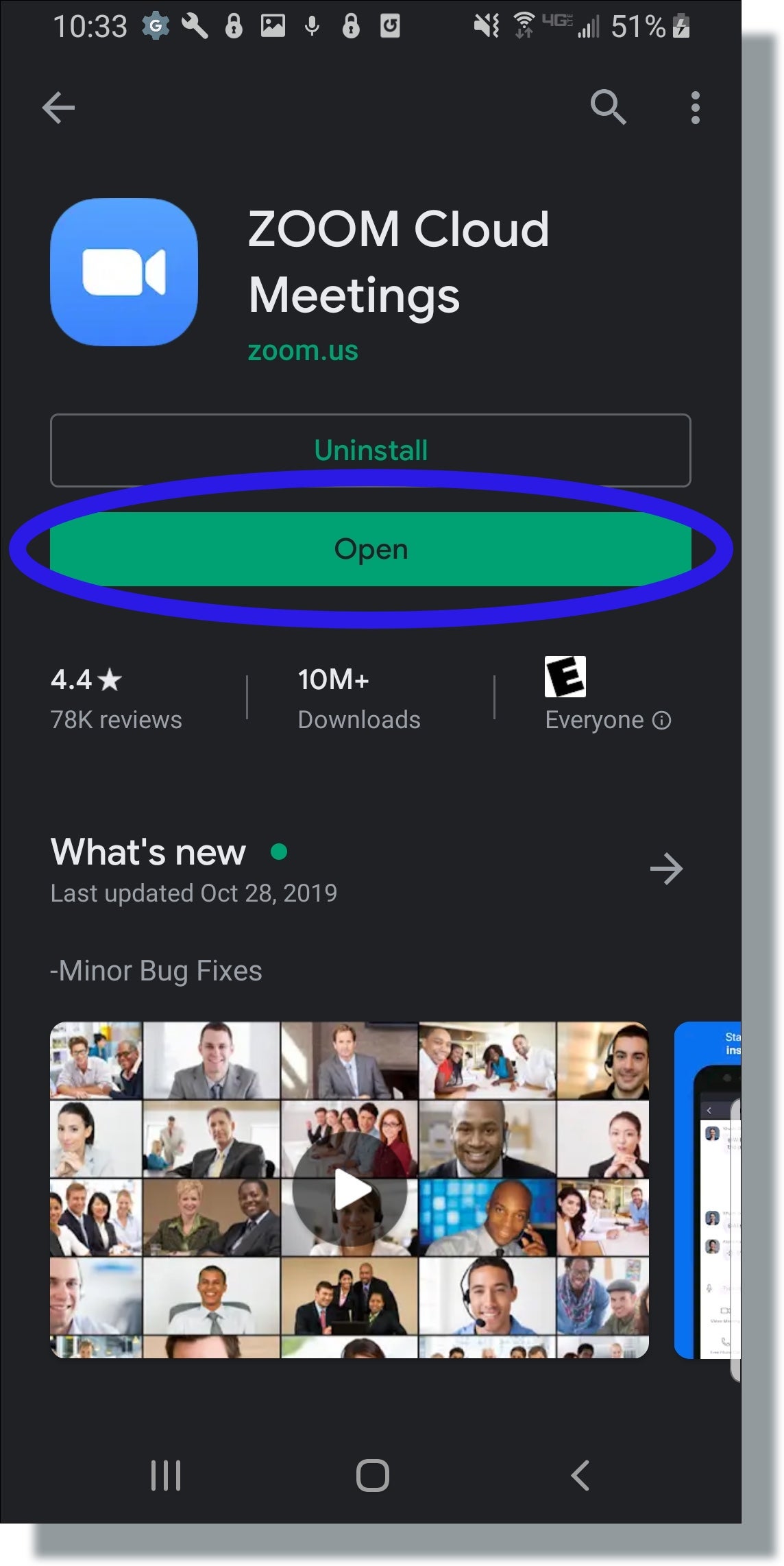
After Zoom has been installed, tap Open.
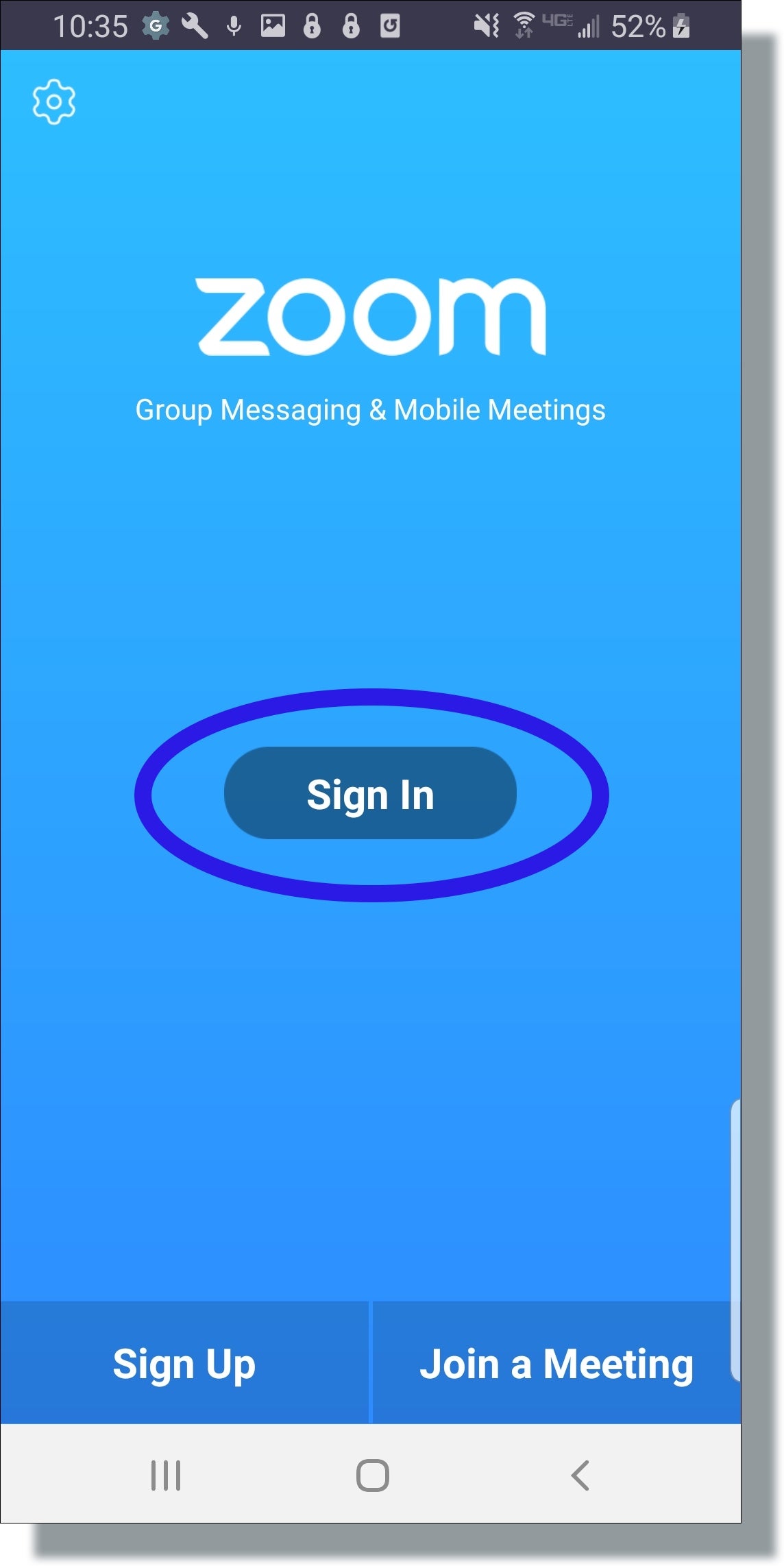
In Zoom, tap Sign In.
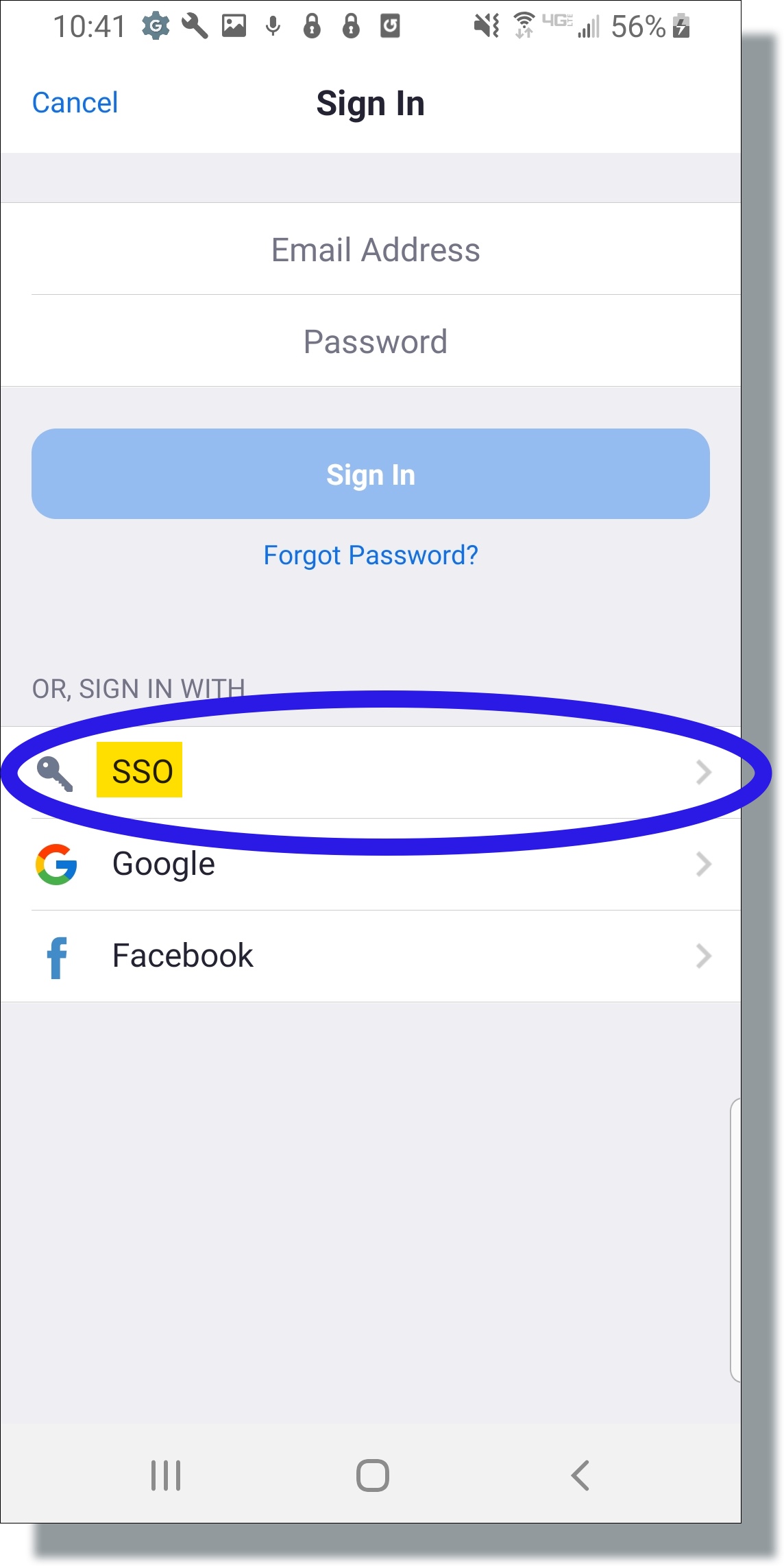
In the Sign In window, tap SSO.
In the SSO pop-up window, enter wsu to complete the domain and then tap Continue.
In the login screen, enter your NID and password, and then tap Sign in. (example: NID: Butch.Cougar)
Need Help? You can submit a ticket from our Jira service desk: WSU Zoom Service Desk